


1. Introduction
Welcome to the Quarter Master User Manual. This guide helps you understand, configure, and operate all features of the Quarter Master system. Whether you're a new user, manager, or technical admin, each section explains the system in a clear, step-by-step format.
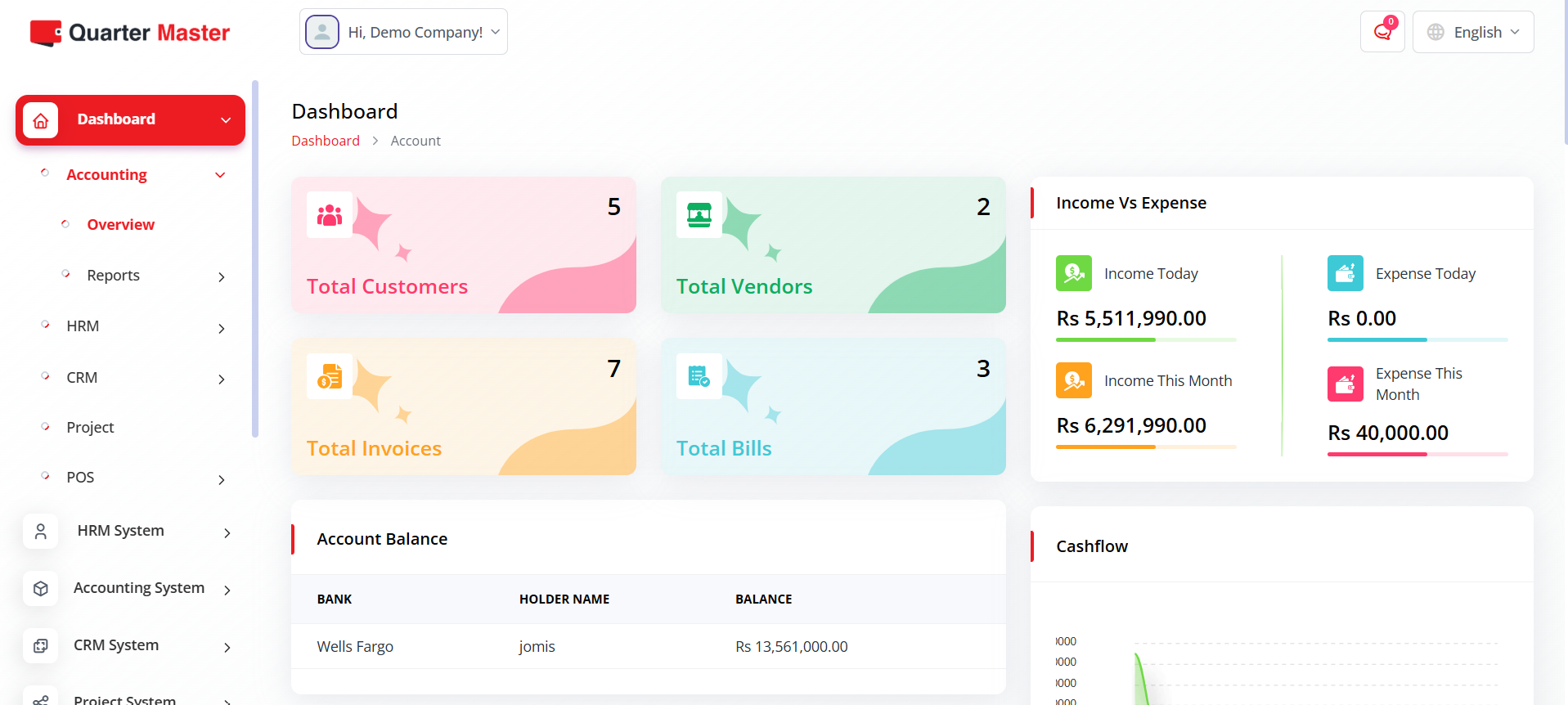
2. Registration & Login
To access the Quarter Master portal, each user must have a registered account. Admins can manage user access and roles from the settings panel.
- Navigate to Login Page.
- Enter your username and password provided by the administrator.
- Click Login to access your personalized dashboard.
- If you forget your password, click Forgot Password and follow on-screen instructions.
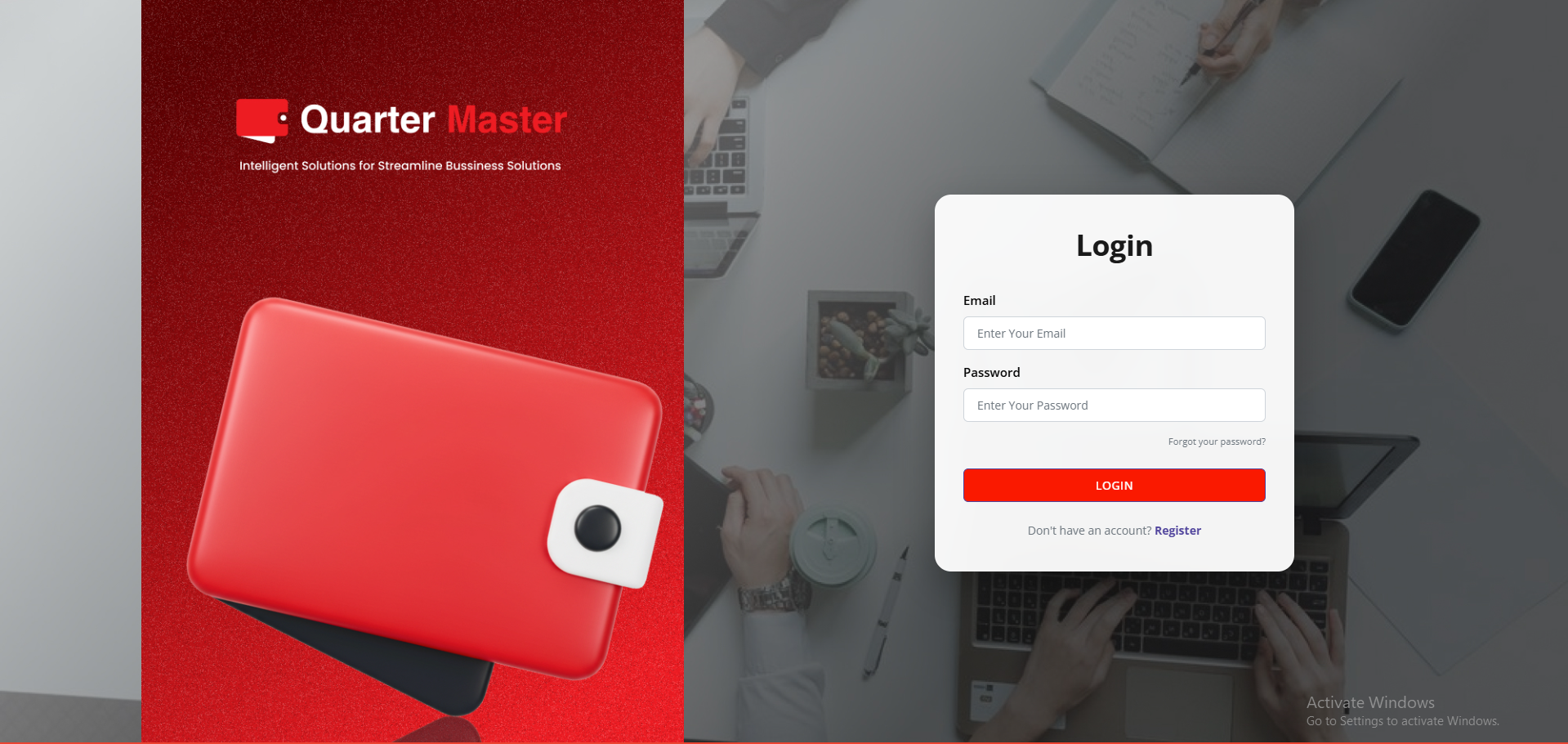
3. Dashboard Overview
The dashboard provides a central view of key performance metrics, system notifications, and quick actions. It's fully customizable based on user roles.
- Top Bar: Displays alerts, profile access, and system date.
- Widgets: Show quick data summaries (e.g., Sales, Expenses, HR Updates).
- Navigation Menu: Provides access to all core modules like POS, CRM, HRM, and Accounting.
4. Point of Sale (POS)
The POS module allows seamless retail and counter sales operations, integrating inventory and accounting automatically.
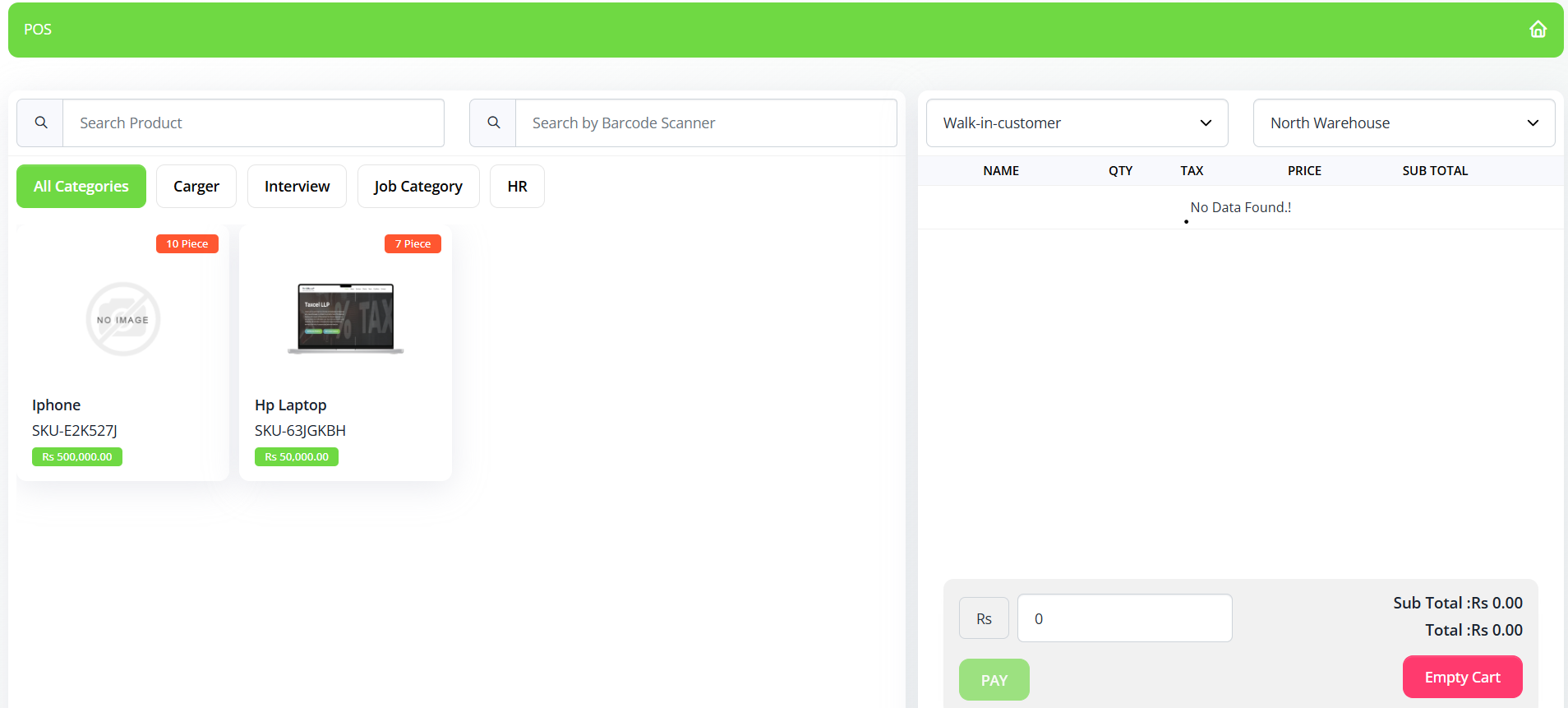
- Open POS Module from the sidebar.
- Select customer, add items, apply discounts or taxes.
- Process payments via cash, card, or credit.
- Print or email invoices automatically.
5. Accounting Module
Quarter Master's accounting module streamlines financial transactions and ledger entries for both small and enterprise-level operations.
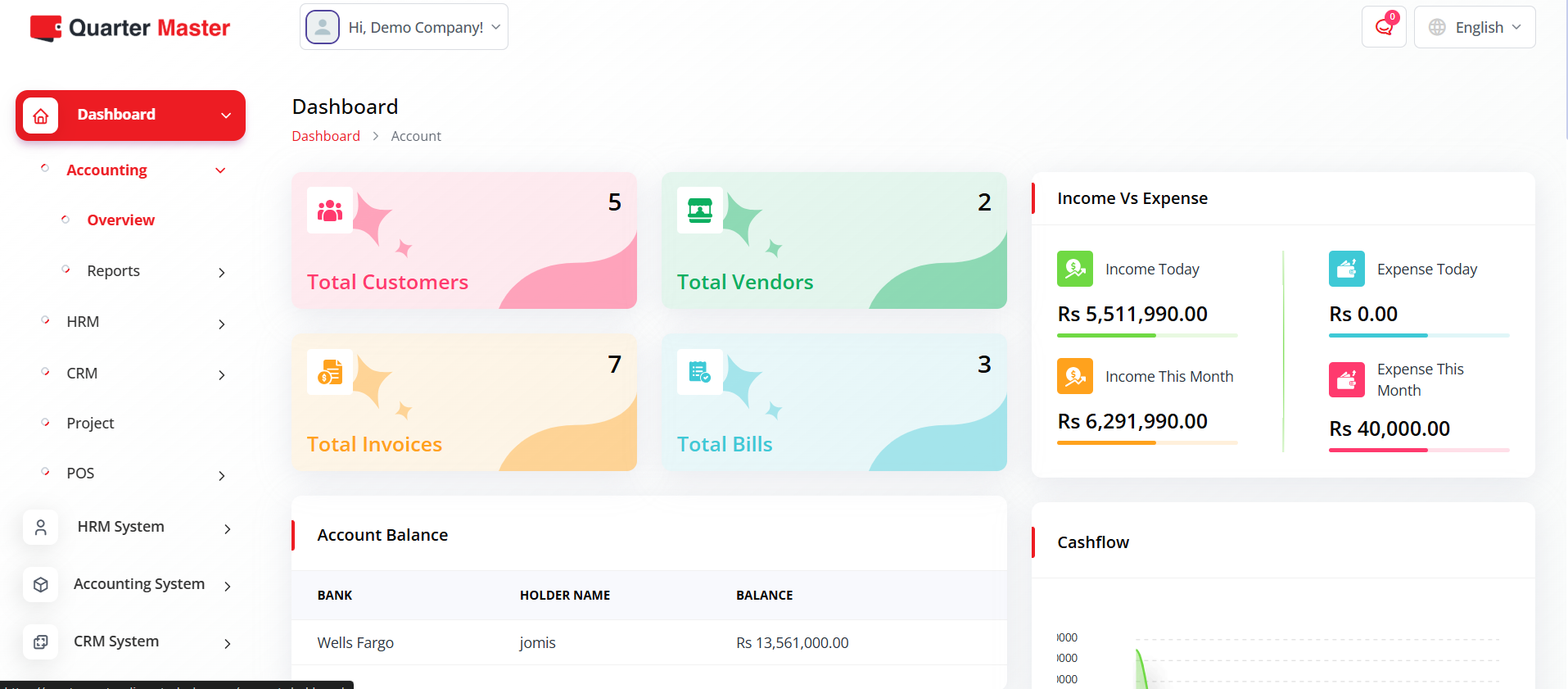
- Manage chart of accounts, vouchers, and journals.
- Generate financial statements (Profit & Loss, Balance Sheet).
- Track payables, receivables, and expense summaries.
6. Human Resource Management (HRM)
The HRM module manages employee information, attendance, payroll, and performance. Integrated reports provide workforce insights.
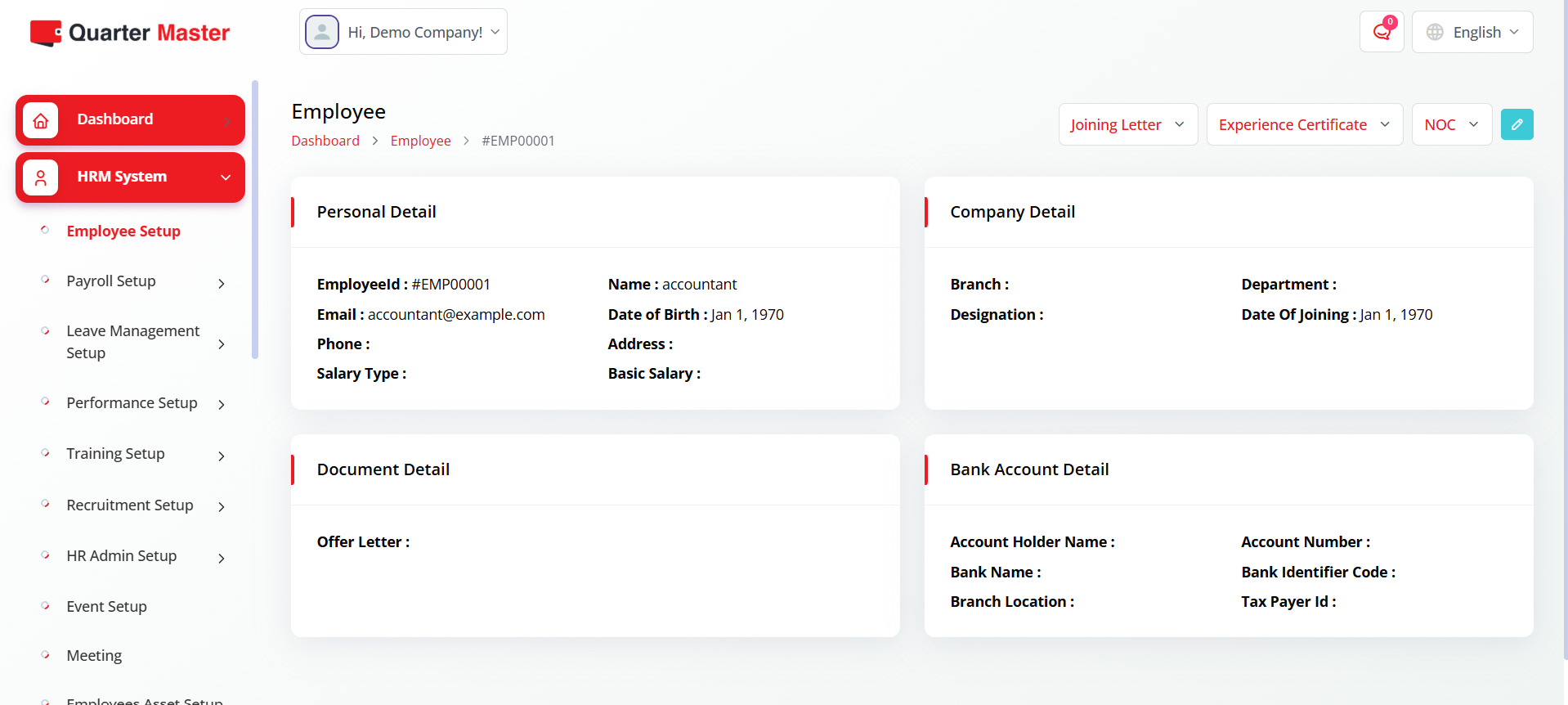
- Maintain employee database with role-based access.
- Automate attendance and payroll generation.
- Set KPIs and monitor performance appraisals.
7. CRM & Customer Engagement
The CRM module empowers sales teams to manage leads, opportunities, and customer relationships efficiently.
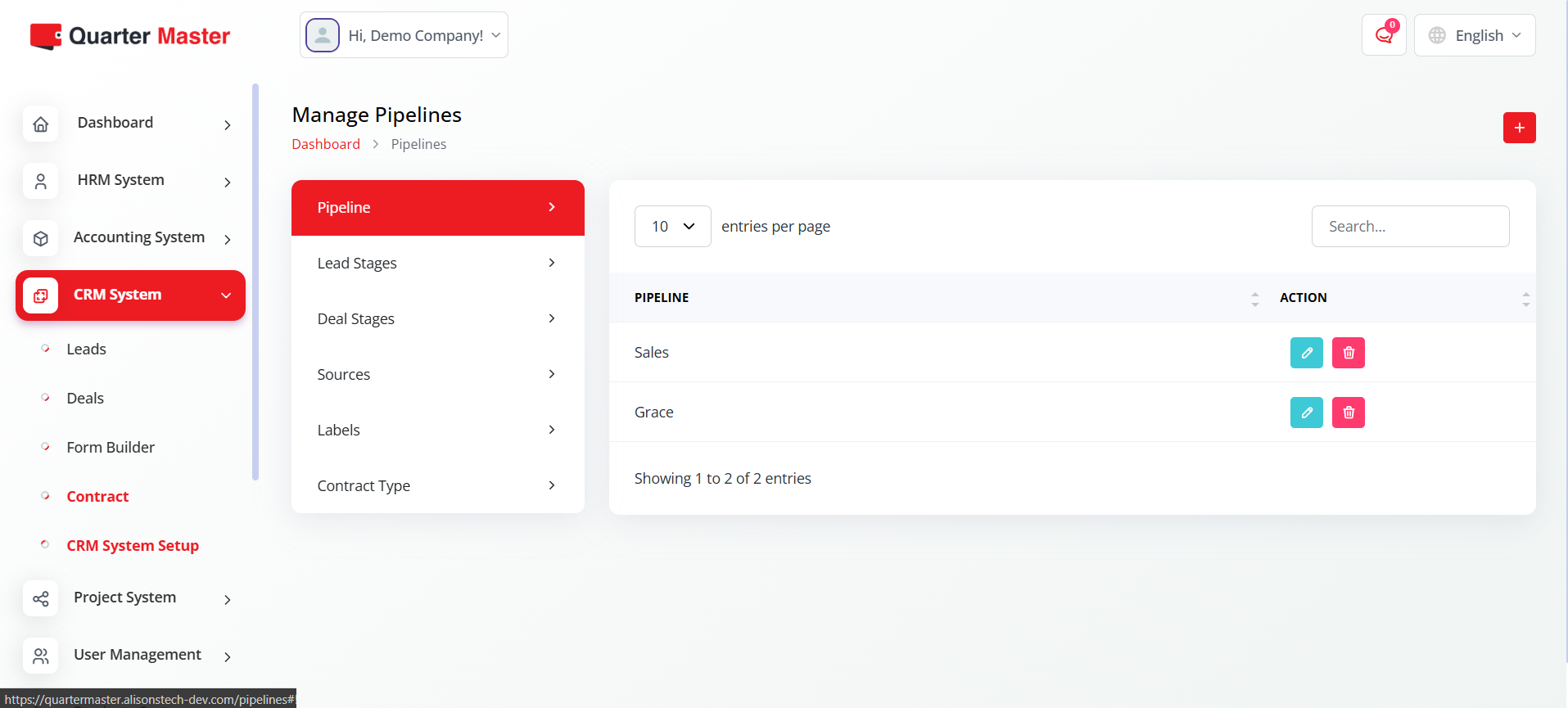
- Add new leads manually or import bulk data.
- Track each stage of the sales pipeline.
- Schedule follow-ups, reminders, and automated notifications.
8. System Settings
System settings allow administrators to control the overall configuration, including user roles, permissions, and system preferences.
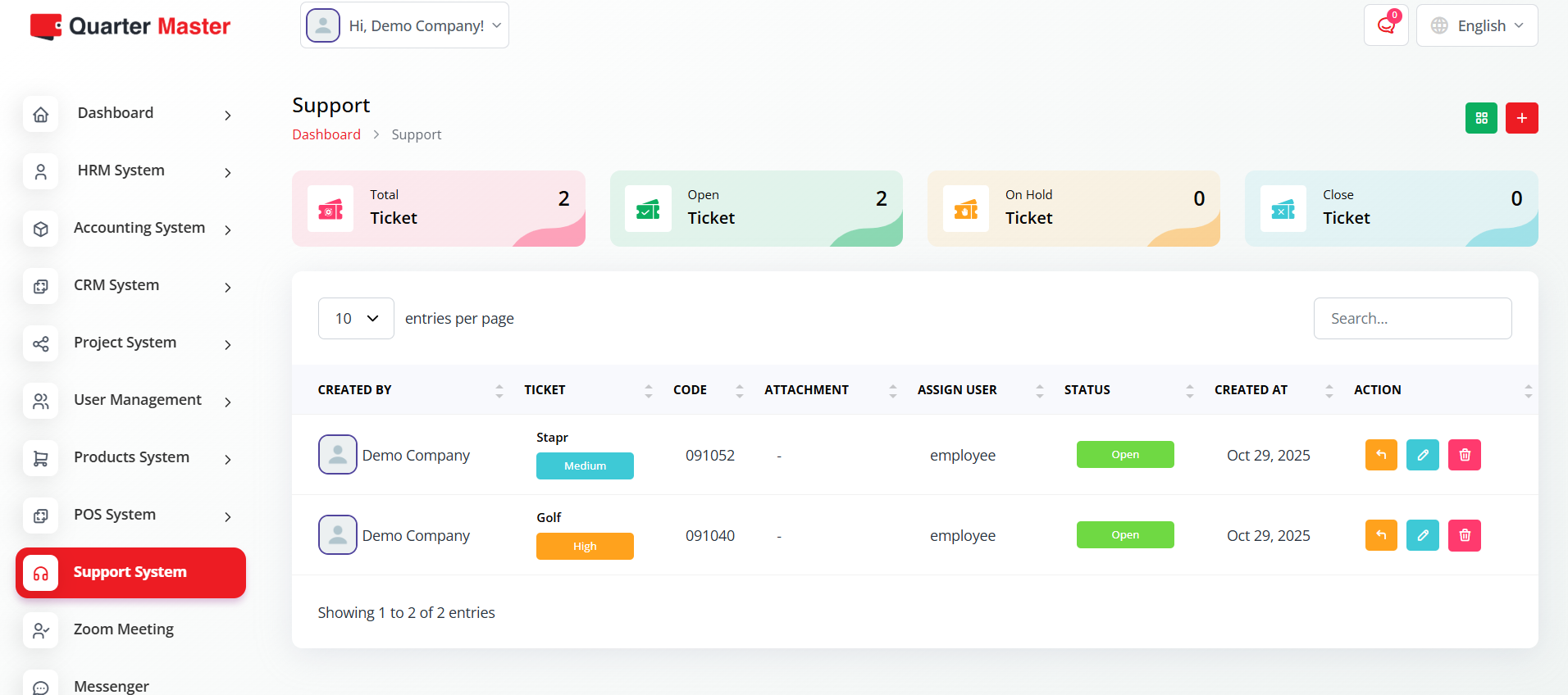
- Configure default currency, tax rates, and languages.
- Set backup schedules and system maintenance alerts.
- Manage integrations with third-party APIs and tools.
💡 Tips
- Hover over icons to see tooltips for quick actions.
- Use collapsible sections for detailed module-specific training steps.
- Admins can create separate access levels for staff vs. technical users.